
AI Rap Video Generator Turn a Photo into a Rap Video
This AI rap video generator turns one photo into a 10-second vertical rap video at 1080p. Hear a free rap preview first, then make the video for TikTok, Reels or Shorts.
Make a Rap Video from a Photo
Upload the photo, write the topic, pick a flow and listen for free. The video uses 10 credits.
Rap Video Ideas by Occasion
Each occasion has its own sample video and topic ideas.
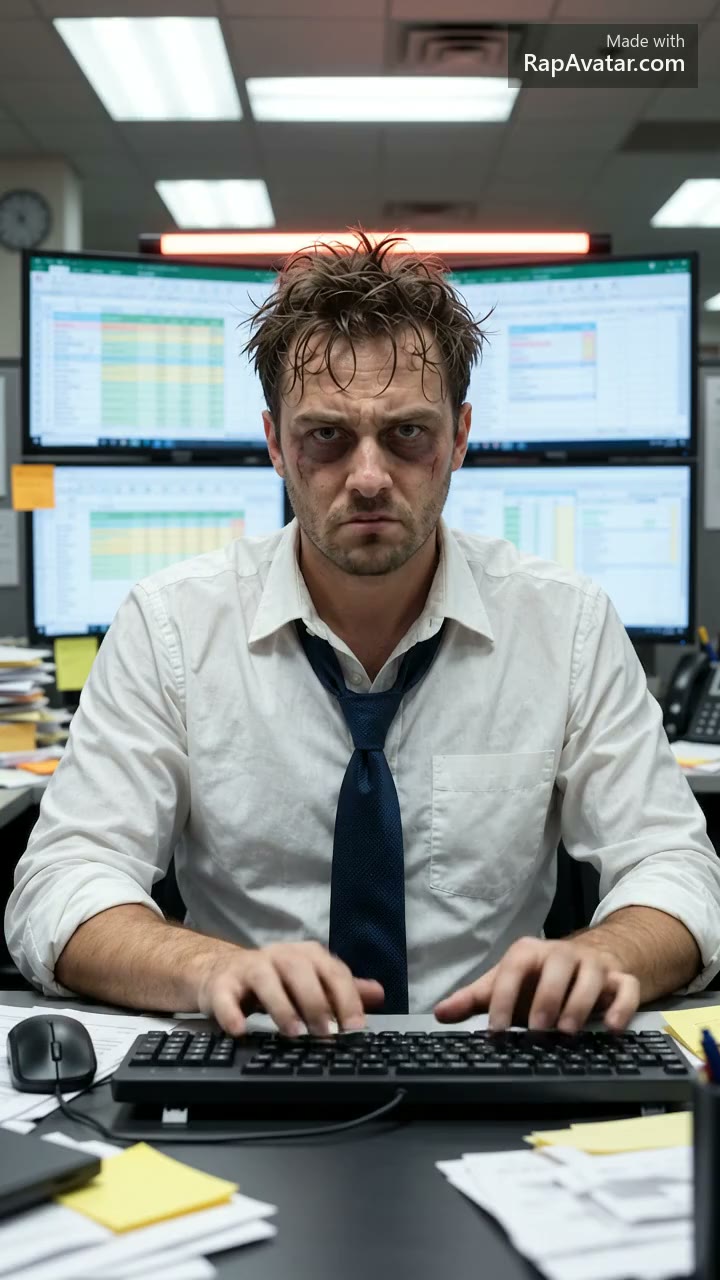
AI Roast Generator
Roast a friend, coworker or your dog in four rhyming lines.
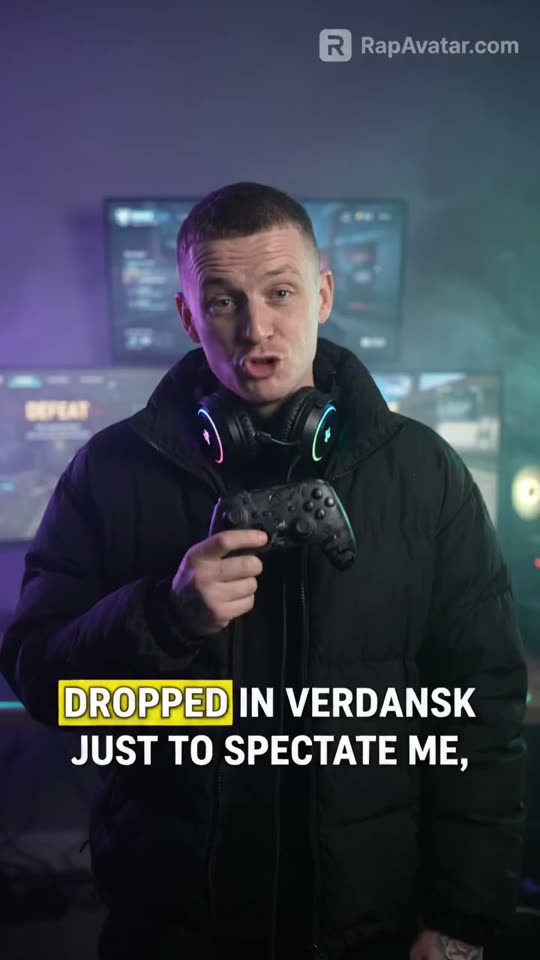
AI Diss Track Generator
Clap back at a teammate or rival with a 10-second diss.
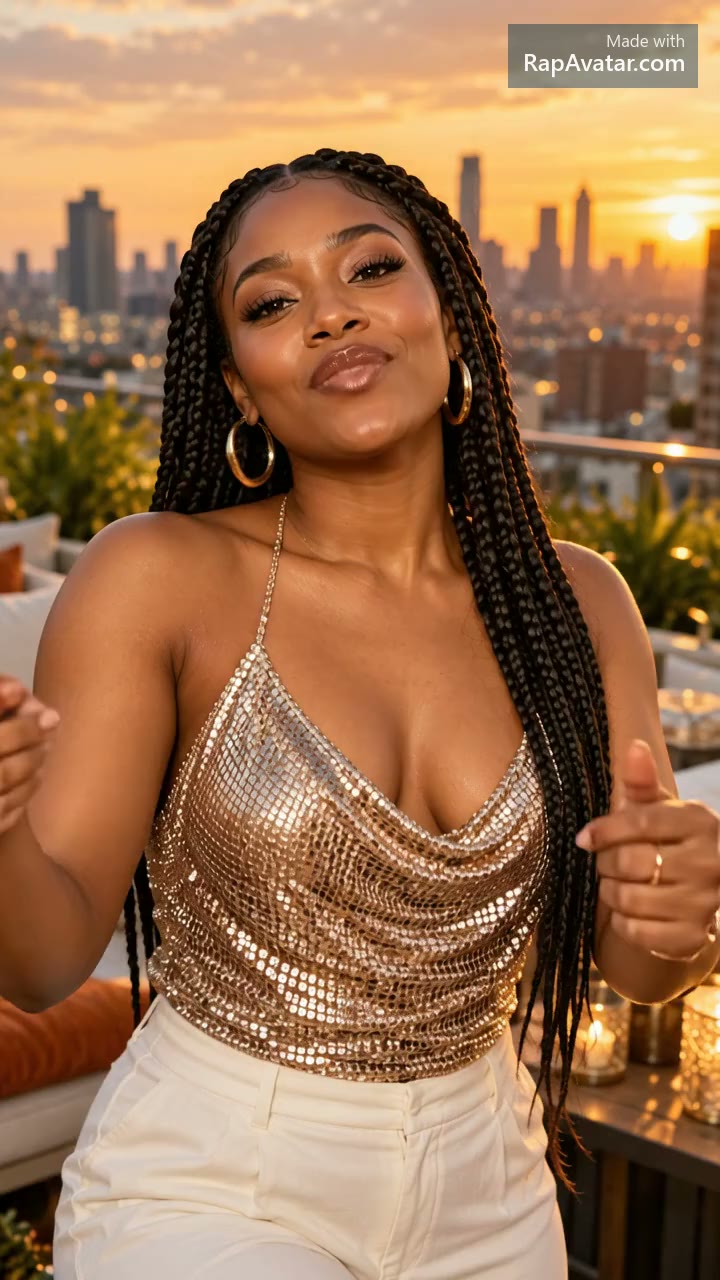
Birthday Rap Generator
A roast-toast for your bestie or a thank-you for Mom.
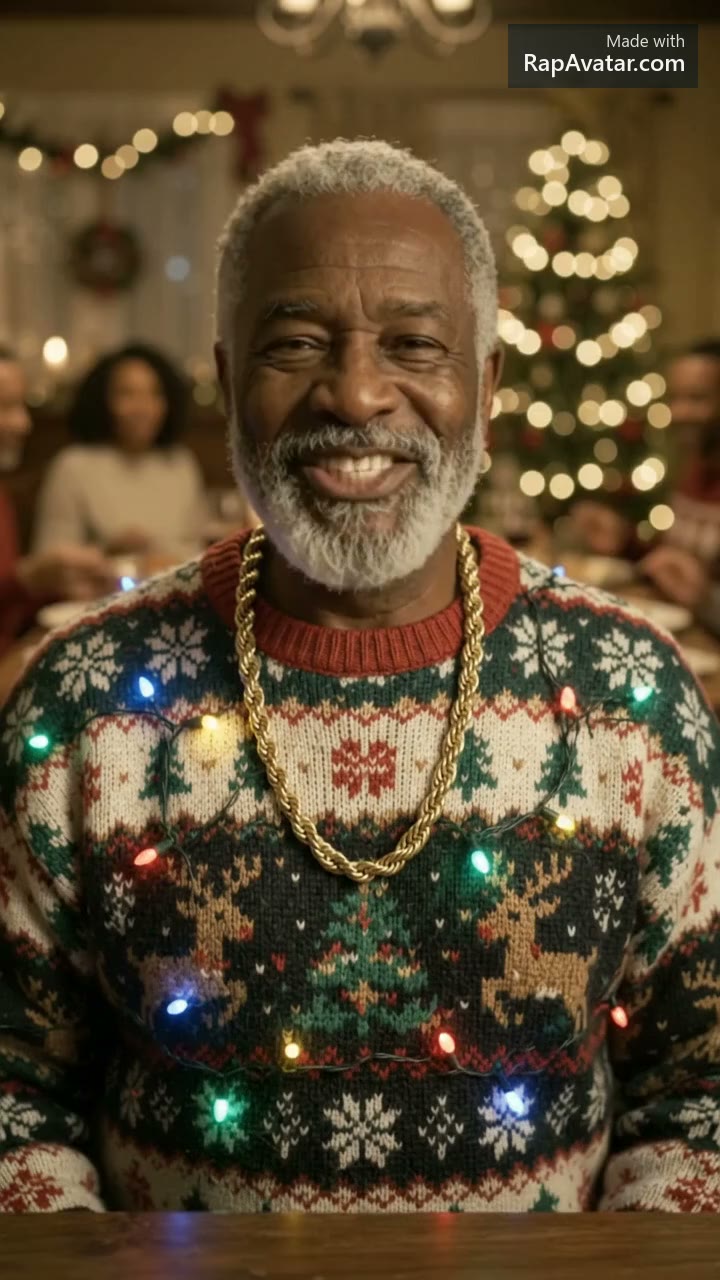
Christmas Rap Generator
Grandpa MC, Secret Santa roasts and fireplace love notes.
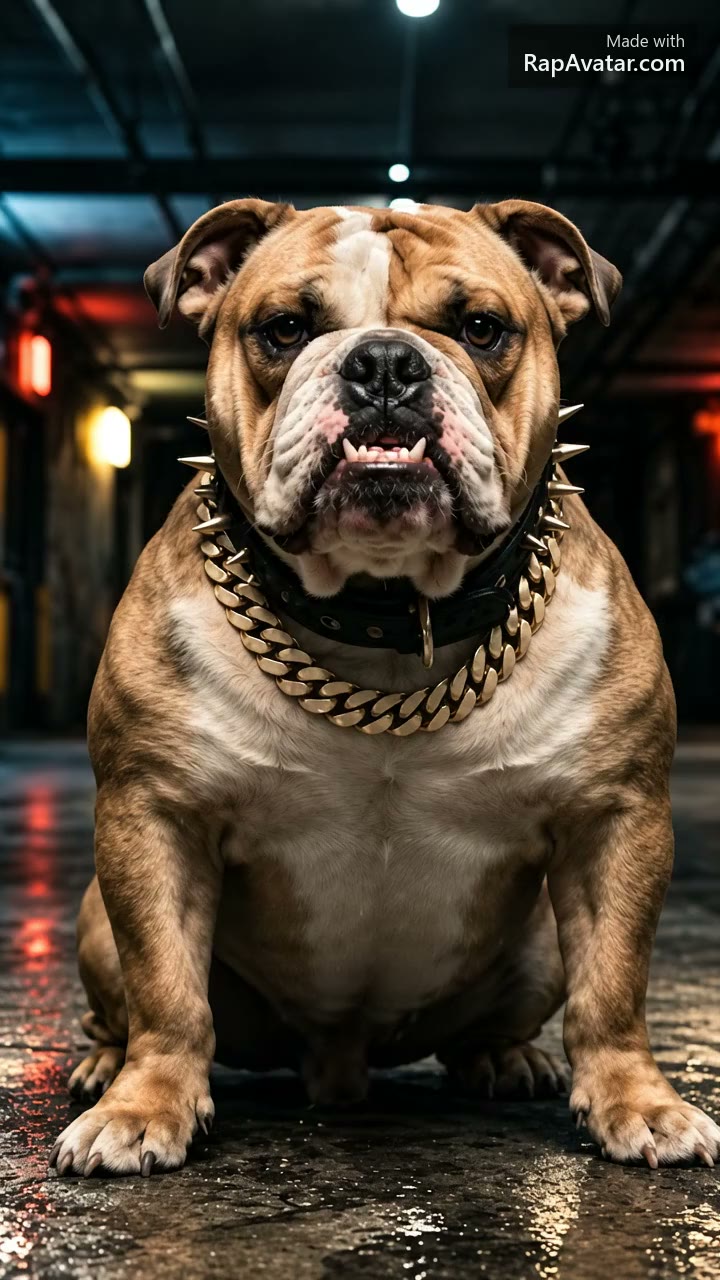
Pet Rap Generator
Your dog or cat finally says what they think of you.
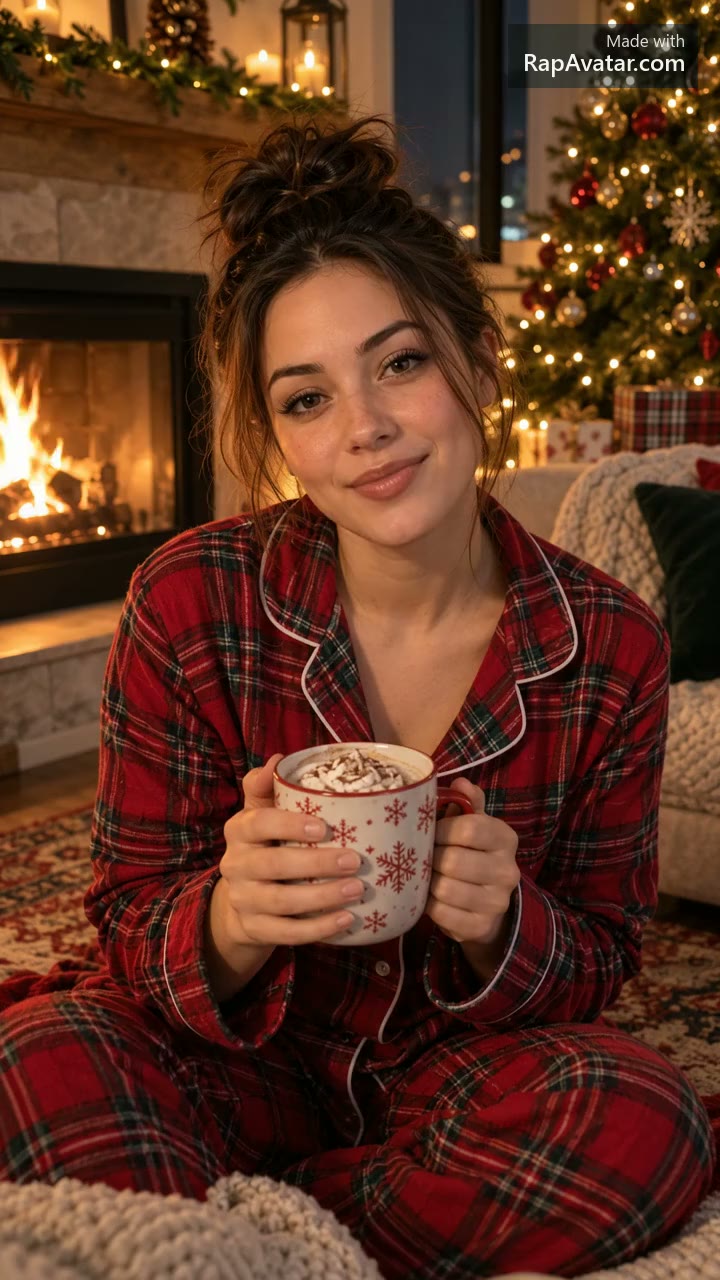
Rap Song for Girlfriend
A detail only she would get, turned into a love rap.
How to Turn a Photo into a Rap Video
Upload one clear photo
A person, pet or character facing the camera with the mouth in view works best. The photo stays in your browser until you make the video.
Write one situation and pick a flow
Describe the joke or message in up to 60 characters, then choose one of 10 flows, the lyrics language and the voice.
Hear the free preview
AI writes four bars and plays them as a free 10-second audio preview. Change the topic or flow until it lands.
Make and download the video
Sign in with Google and make the video for 10 credits. It is usually ready in about 2 minutes and saved under My videos as an MP4.
Free rap preview vs. the rap video
| Free audio preview | Rap video | |
|---|---|---|
| What you get | A 10-second rap track with four written lines | A 10-second video of your photo rapping those lines |
| Photo needed | No | Yes |
| Account | Not needed, up to 5 previews a day | Sign in with Google |
| Cost | Free | 10 credits |
| Format | Plays in your browser | MP4, vertical 9:16, 1080p |
The preview is where you decide. If the lines don't land, change the topic or the flow and preview again; you only spend credits when you make the video. The video is generated fresh from your photo and the lines you heard, so the delivery can differ a little from the preview.
Photo to rap video: which photos work
The AI animates the face in your photo so it raps your lines and keeps everything else as it is. It doesn't add outfits, props or a new background, so what's in the picture is what you'll see in the video.
- One face. With a group shot it isn't clear who should rap. Crop to one person or pet.
- The mouth in view. No hand, mic or blanket over it, and no heavy blur.
- Even light. Daylight near a window beats a dim room, especially for dark fur.
- Pets at eye level. Get down to their height so the whole muzzle sits in the frame.
Only upload photos you have permission to use. Your photo stays in your browser for the free preview, is uploaded only when you make the video, and is deleted automatically 24 hours later.
Made for TikTok, Reels and Shorts
Every video is 10 seconds long, vertical 9:16 at 1080p, so it drops into TikTok, Instagram Reels or YouTube Shorts without reframing. Download the MP4 from My videos on your account page and post it yourself; RapAvatar doesn't post for you. A small "Made with RapAvatar.com" watermark is on by default, and you can turn it off before making each video. When you post, say the video was made with AI.
What it can't do
- Videos are 10 seconds. There are no full-length songs or longer clips.
- The voice is one of six preset human voices. There's no voice cloning and no uploading your own audio.
- AI writes the four lines from your topic. There's no field to paste a whole verse.
Ideas and guides
Not sure what to make? Start from an occasion: an AI roast, a birthday rap or a pet rap. For a full walkthrough, read how to make a photo rap or follow one real run in how to make a cat rap video.
Product Specifications
What every RapAvatar preview and video comes with.
| Video length | 10 seconds |
|---|---|
| Video format | Vertical 9:16 at 1080p, downloaded as MP4, sized for TikTok, Reels and Shorts |
| Free audio preview | 10-second AI rap track with four written lines. Up to 5 per day, no account needed |
| Video price | 10 credits per video. Sign in with Google to make a video |
| Video generation time | Usually about 2 minutes |
| Photo input | One JPG, PNG or WebP image of a person, pet or character, resized in your browser before upload. Deleted automatically 24 hours after upload |
| Rap styles | 10: Boom Bap, G-Funk, Melodic Rap, Lo-fi Jazz Rap, Afroswing, Jersey Club, UK Drill, Atlanta Trap, Melodic Trap, Symphonic UK Drill |
| Voices | 6: Girl, Boy, Woman, Man, Grandma, Grandpa |
| Lyric languages | 9: English, Chinese, Spanish, French, German, Italian, Portuguese, Dutch, Polish |
| Lip-sync | AI animates the person, pet or character in the photo so they rap your lines |
| Watermark | On by default. Anyone can turn it off for each video |
Videos use credits: one 10-second video is 10 credits. Packs and monthly plans are on the pricing page.
See pricingFrequently Asked Questions
Is the AI rap video generator free?
The audio preview is free without an account, up to 5 a day. Making the video uses 10 credits, and the pricing page lists the current packs and monthly plans.
Can I turn a photo into a rap video?
Yes. Upload one photo of a person, pet or character, write a topic, pick a flow and hear the free preview. When you like it, make the video and the person or pet in your photo raps the lines.
How long does it take to make a rap video?
Usually about 2 minutes after you click Make the video. Finished videos are saved under My videos on your account page.
How long is each rap video?
Every video is 10 seconds, vertical 9:16 at 1080p, and downloads as an MP4.
Can I use my own lyrics or my own voice?
No. AI writes four lines from your topic, and the vocal is one of six preset voices: Girl, Boy, Woman, Man, Grandma or Grandpa.
Can I remove the watermark?
Yes. Untick the watermark box before you make each video. The video costs the same 10 credits either way.